Multisig scams: when wallet access isn’t wallet control
Multisig fee traps lure victims with wallets they can open but cannot control. Learn how the scam works and how to inspect permissions before sending funds.
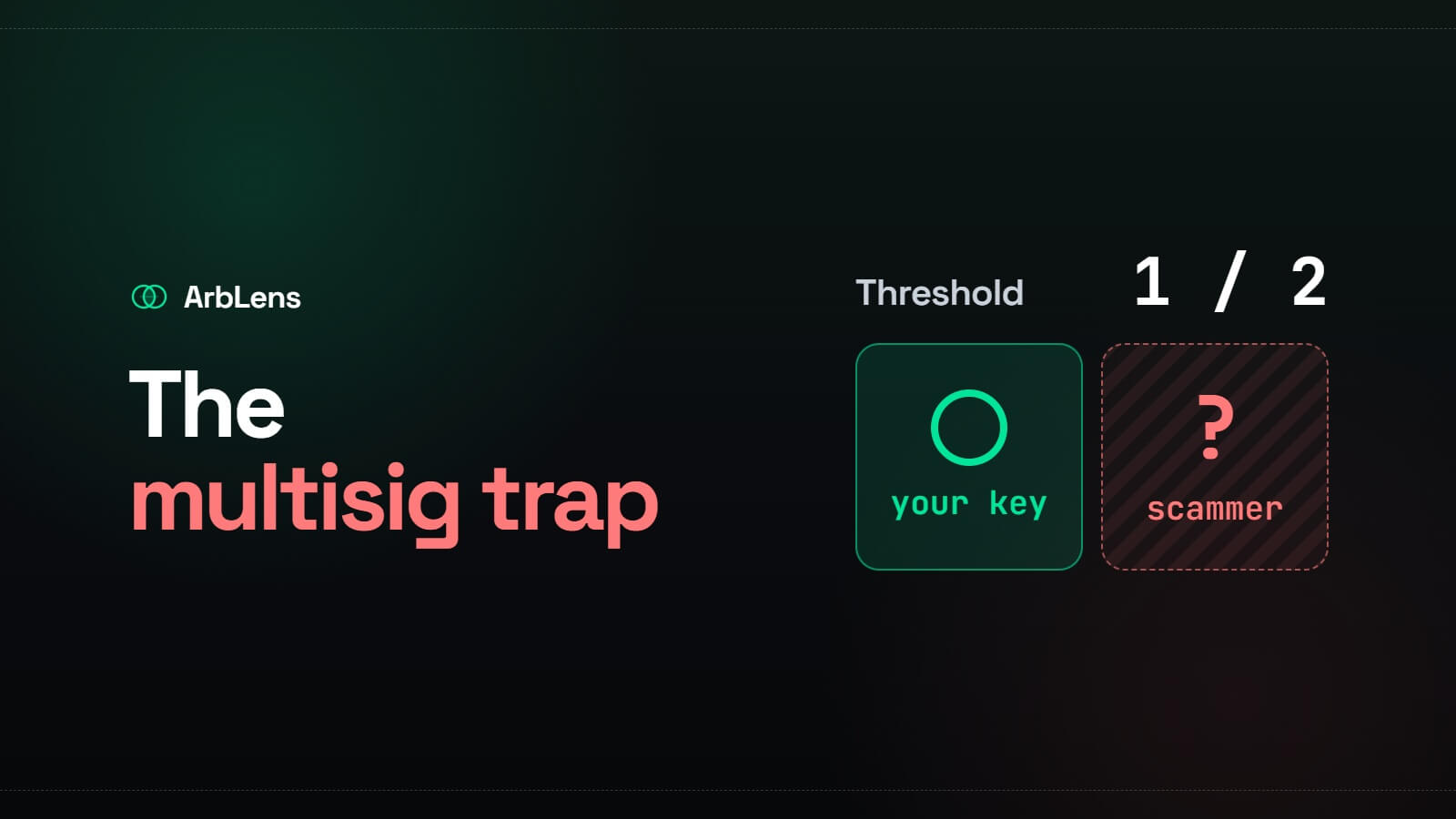
A multisig wallet is designed to prevent one compromised key from moving funds. Transactions require approval from several keys or enough signing weight to meet a configured threshold.
That is useful when the owners chose the setup themselves.
In a multisig scam, the attacker controls the permission structure. The victim may know a seed phrase, import the wallet, and see its balance, yet still lack the authority required to move anything.
This distinction matters: access to one private key doesn’t always mean control of the account.
Key takeaways
Scammers publish seed phrases for wallets containing tokens that victims can see but cannot withdraw.
Victims are asked to deposit the network’s native coin for fees. The attacker then takes that deposit.
A more dangerous variant tricks users into changing permissions on wallets they already own.
Always inspect account permissions, signing weights, and thresholds before funding an unfamiliar wallet.
A hardware wallet protects keys. It doesn’t make a malicious permission change safe to sign.
What is a multisig scam?
A multisig scam exploits wallets or blockchain accounts that require more than one authorization to make a transaction.
The victim is usually given one valid private key or seed phrase. That key is enough to open the wallet and display its assets. It may even appear among the authorized keys.
But it can’t approve a transfer by itself.
The attacker retains another key, assigns the victim insufficient signing weight, or restricts which operations the victim’s key can perform. The balance is real. The victim’s control over it is not.
These traps often appear in YouTube comments, Telegram groups, X posts, and direct messages. The seed phrase may be presented as an accidental leak or posted by someone pretending not to understand how to withdraw their funds.
A seed phrase published in public is never a windfall. At best, the wallet is already compromised. At worst, it was built as bait.
The TRON fee trap
A common version of this scam uses TRON account permissions and a wallet holding TRC-20 USDT.
The bait wallet contains USDT but little or no TRX. Because TRX is needed for bandwidth, energy, or transaction fees, the victim assumes the tokens are temporarily stuck.
The sequence usually looks like this:
A scammer publishes a seed phrase.
The victim imports it and sees USDT in the wallet.
A withdrawal fails because the account lacks enough TRX or network resources.
The victim sends TRX to cover the transaction.
The USDT transfer still can’t be authorized.
The attacker withdraws or automatically sweeps the deposited TRX.
The victim never had enough permission to move the USDT. The visible balance existed to make the fee deposit look worthwhile.
Sending more TRX won’t fix the permission problem.
Why TRON permissions make the trap convincing
TRON supports native account permission management. According to the TRON Developer Hub, an account can have an Owner permission and one or more Active permissions.
Each permission may contain several keys with assigned weights. A transaction is authorized only when the combined signing weight meets or exceeds the configured threshold.
Active permissions can also be limited to specific operations. A key might be recognized by the account but still be unable to perform the transfer the victim wants.
For example:
text Required threshold: 2
Attacker key: weight 2 Victim key: weight 1
The victim can import the key and view the account. Their signature is still insufficient.
This is why a wallet app showing a balance proves very little. The relevant questions are:
Which keys are listed under Owner and Active permissions?
What weight does each key have?
What threshold must be reached?
Which transaction types can each Active permission authorize?
The more dangerous variant: changing your own permissions
The basic fee trap targets a wallet created by the scammer. A more serious attack targets a wallet that already belongs to the victim.
Someone posing as wallet support, an exchange employee, or a security specialist tells the user to complete a “recovery,” “verification,” or “protection” procedure. The process includes signing a transaction that changes the account’s permissions.
That transaction may add the attacker’s key, increase the threshold, or remove enough authority from the victim’s key that it can no longer control the account alone.
Once confirmed on-chain, the attacker may be able to:
Move the wallet’s funds
Block the original owner from transacting
Demand payment to restore access
Wait for future deposits and sweep them
The attacker doesn’t need the victim’s seed phrase if the victim signs away control.
Account permissions and token approvals are different
These risks are easy to confuse.
A token approval gives a smart contract permission to spend a particular token, usually up to a stated allowance. Revoking the approval can stop that contract from spending more of the token.
An account permission determines which keys can authorize transactions for the account itself. On TRON, this includes Owner and Active permission structures.
Revoking DeFi allowances won’t remove an unauthorized account owner or signer. If the wallet’s native permissions were changed, those permissions must be inspected and corrected separately, assuming the remaining keys still have enough authority to do so.
How to identify a multisig trap
The seed phrase came from a stranger
This is enough reason to stop.
Don’t import a seed phrase found in a comment, screenshot, message, video, or public repository. Anyone who has seen it can access the associated keys. Bots may already be monitoring the wallet for incoming deposits.
The wallet has tokens but no fee balance
A visible token balance combined with a request to add TRX, ETH, BNB, SOL, or another native asset is a familiar trap pattern.
Don’t fund the wallet to “unlock” the tokens. Check permissions first. If the credentials came from someone else, there is no good reason to interact with the wallet at all.
The permission threshold exceeds your key’s weight
On TRON, inspect the account through a block explorer such as TronScan. Review the Owner and Active permissions, including every key, weight, threshold, and permitted operation.
If your available keys can’t meet the threshold, you can’t authorize the transaction.
A seed phrase doesn’t override the on-chain permission structure.
Someone asks you to add a signer
Treat unsolicited instructions to modify wallet permissions as hostile.
Support staff don’t need to become an owner, co-signer, or recovery key on your self-custody wallet. Don’t sign an account-permission update unless you understand exactly which keys, weights, thresholds, and operations it will create.
The wallet displays a restriction warning
Some wallet apps warn that an imported account uses multisig permissions or that the current key lacks authority.
Don’t treat the warning as a fee problem. Stop before sending funds and inspect the account on a trusted block explorer.
How to protect yourself
Never use credentials shared by strangers
A private key or seed phrase stops being private once another person knows it.
Even if the associated wallet isn’t a multisig trap, any funds sent there can be taken by the person who shared the credentials or by bots monitoring the address.
Verify transactions before signing
Read the transaction type, not just the label shown by a website.
An account-permission update is not a routine wallet connection or identity check. It can permanently change who controls the account.
If the wallet can’t explain the transaction clearly, reject it and investigate through the wallet provider’s official documentation.
Audit account permissions
Check permissions after creating a shared wallet and after any recovery, migration, or administrative change.
For a TRON account, verify:
Owner keys and their weights
Owner threshold
Active permission keys
Active thresholds
Operations allowed under each Active permission
Save a record of the intended configuration. That makes unexpected changes easier to spot.
Use official wallet software
Download wallet apps and browser extensions through the project’s official website. Check the domain and publisher before installing anything.
A fake wallet can steal credentials or present a malicious permission update as a normal setup step.
Understand what a hardware wallet can and can’t do
A hardware wallet keeps the private key off the connected computer and requires physical confirmation before signing.
It can’t determine your intent. If you approve a transaction that grants an attacker control, the device will produce a valid signature for that change.
Read the transaction details on the hardware device where supported. Don’t confirm an unreadable or unexpected permission operation.
Use 2FA where it applies
Two-factor authentication protects logins to exchanges and other custodial services. It doesn’t govern transactions from a self-custody wallet.
Enabling 2FA is still sensible for linked exchange, email, and cloud accounts. Just don’t mistake it for protection against an on-chain permission change you signed yourself.
What to do if your permissions were changed
Stop sending funds to the affected wallet.
Check the on-chain permission structure from a clean device. If your remaining keys still meet the Owner threshold, you may be able to remove the unauthorized signer or transfer assets to a new wallet.
Don’t experiment blindly. Another incorrect update can make the account unrecoverable. The official TRON documentation warns that a configuration with insufficient usable signing weight may permanently lock account permissions.
If your keys no longer meet the required threshold, importing the seed phrase into another app won’t restore control. The restriction exists on-chain, not inside the wallet software.
Record the address, transaction hashes, permission changes, and any messages from the attacker. Report the account to the platform where the scam appeared and contact the relevant wallet provider through its official support channel.
Multisig itself isn’t the problem
A properly configured multisig can protect a treasury from one stolen key, enforce separation of duties, and reduce dependence on a single device or operator.
The protection comes from a permission structure the owners understand and control.
Before funding a multisig account, every signer should know the threshold, the other authorized keys, the recovery procedure, and which operations each role can perform. Test the setup with a small amount first.
If someone else chose the keys and thresholds, it isn’t your wallet simply because you can open it.