Connect Hyperliquid to ArbLens
Monitor balances, positions, and transaction history securely using Read-Only API access.
Get Your Hyperliquid Wallet Address
Log in to Hyperliquid and copy the public wallet address of the account you want to connect.
Your wallet address starts with 0x.
Use your main account or subaccount address whose data you want ArbLens to display. Do not use an Agent Wallet address.
Connect Hyperliquid to ArbLens
In ArbLens, open Add CEX Account and select Hyperliquid.
Fill in:
Label: optional, e.g. Main Hyperliquid
Wallet Address: paste your Hyperliquid wallet address
Agent Private Key: leave empty
Click Save Account.
A successful connection will show Connection OK.
An API/Agent Wallet and private key are not required for a read-only connection. ArbLens reads account data using the public wallet address only.
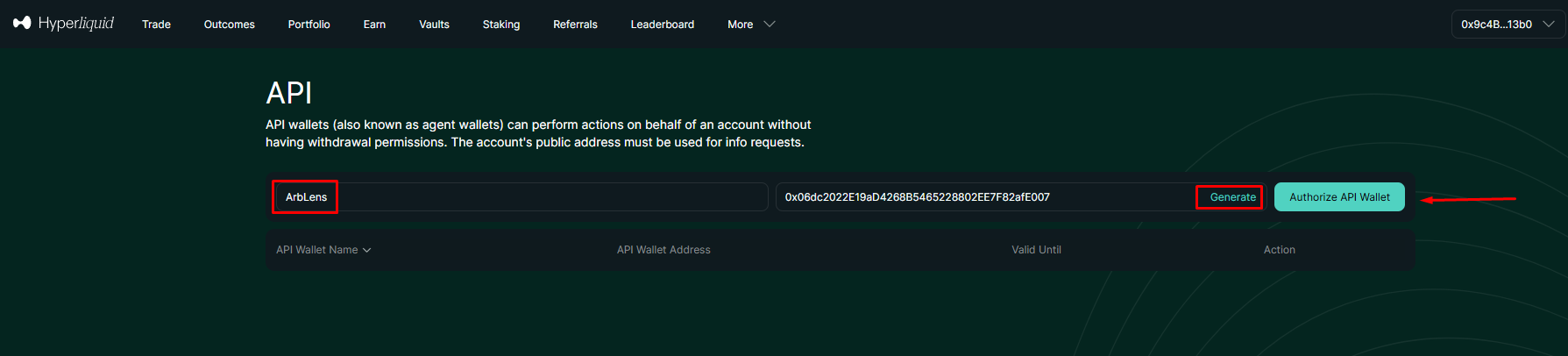
ArbLens uses your API credentials exclusively to retrieve account information. With Read-Only permissions, ArbLens cannot:
- Execute trades
- Place or cancel orders
- Withdraw funds
- Transfer assets
Your assets always remain under your control.